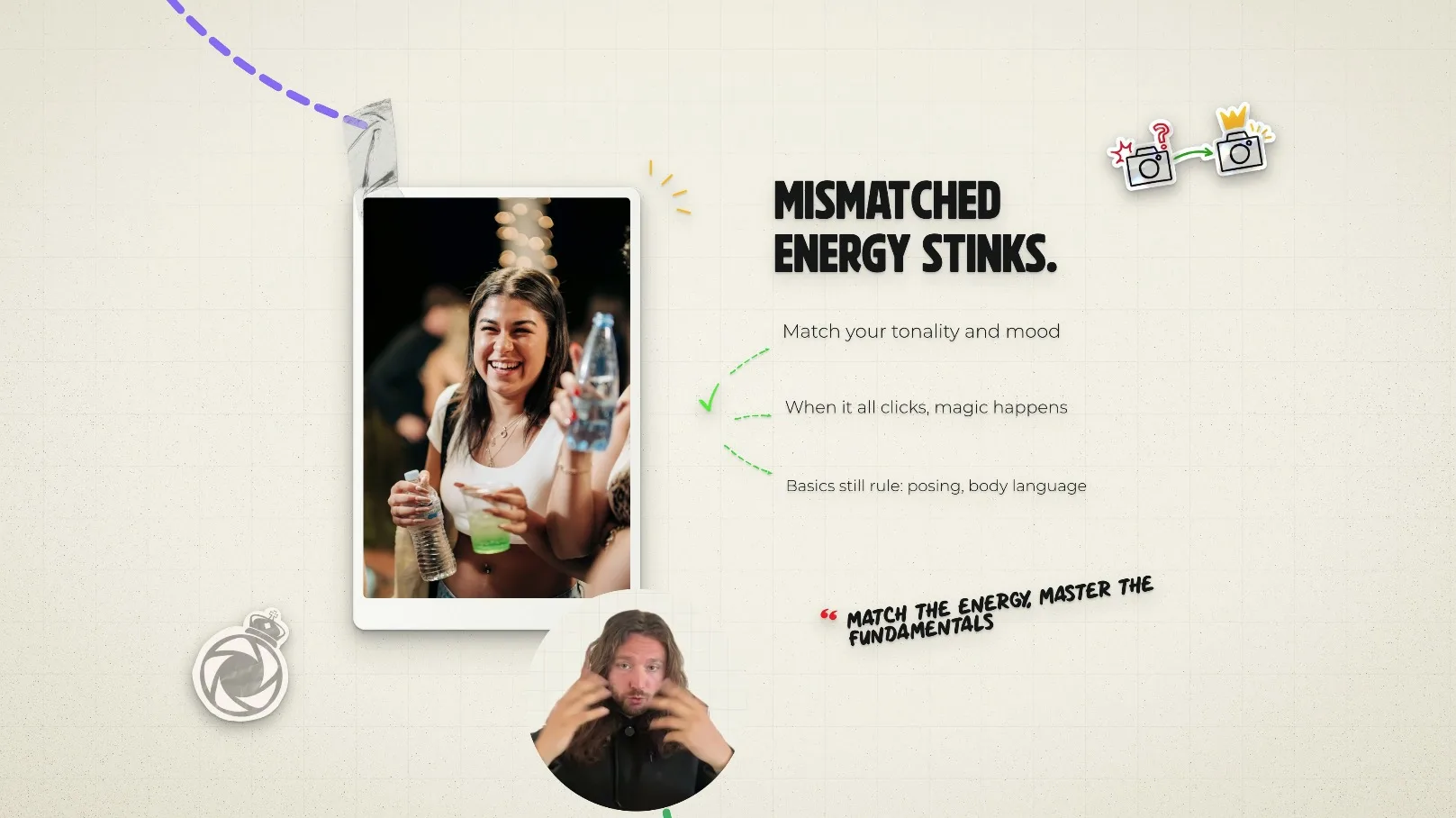
The problem#
Every lesson starts as messy thinking — me, talking it out, circling back, saying the good line twice in two different ways. The lesson is in the audio. The screen is just my face.
What makes a lesson land is the layer above that: a board that names the idea, text that holds the key phrase while I talk over it, a visual that shows the thing instead of describing it. Building that layer by hand is the slow part, and it's the part I'd skip when I was busy.
So I wanted a copilot that could take the messy spoken version and hand back structure: the board, the tightened narration, the visual — with the meaning intact.
How does it work?#
talking-head recording → whisper transcript → LLM paraphrase → board copy → truth-check → motion templates → ffmpeg render → review → publish
Six moving parts, one direction of travel: from rambling audio to a rendered explainer.
- recording
- The talking-head take — messy on purpose. Thinking out loud is allowed.
- whisper
- Transcription. The recording becomes text the rest of the system can work on.
- paraphrase
- An LLM tightens the narration to the point it was making, without adding claims.
- board_copy
- The words that go on screen: short, plain, in the order the lesson needs them.
- truth_check
- Board copy is checked back against the transcript, so the visuals can't outrun what I said.
- motion_templates
- The look: reusable templates that animate text and shapes so every video matches.
- ffmpeg
- Renders the boards and the audio into the finished file.
The value isn't the chat. It's that the output arrives already shaped like a video: boards in order, narration cut down, nothing left to interpret before the render.
What did I build?#
- A transcription layer. Whisper turns the take into text, so the thinking stops being stuck in audio.
- A paraphrase layer. The narration gets tightened to the point — the ums, the circling back and the two-attempts-at-one-sentence problem disappear.
- A board layer. Short on-screen copy and visuals, generated in the order the lesson needs them.
- A truth-check. Board copy and paraphrase are measured against the transcript, so the video can't claim more than the recording did.
- A render pipeline. Motion templates plus FFmpeg turn the boards into an animated explainer without an editing session.
Turn ambiguity into structure.
Before and after#
| Step | By hand | Through the copilot |
|---|---|---|
| Find the lesson | Re-listen to the whole recording and pick the line | Transcript in hand, the key lines are visible in text |
| Write the board | Type the copy, lay it out, get the hierarchy right | Board copy drafted from the recording, then reviewed |
| Tighten the narration | Re-record, or leave the ramble in | Paraphrased to the point, checked against what was actually said |
| Animate it | Keyframe every board in an editor | Motion templates animate the boards; FFmpeg renders the file |
None of those steps is hard on its own. Together they were the reason videos didn't go out.
Technical depth#
- Whisper
- LLM paraphrase
- FFmpeg
- motion templates
- truth-check
The published path is speech-first: the recording is the input, not a photo of a whiteboard. That keeps the failure surface small — one transcript, one paraphrase, one set of templates, one render.
Because the look lives in templates, the visual quality is consistent by construction: a new video inherits the same type, timing and layout rules as the last one.
Production readiness#
An explainer can fail in a way nothing catches automatically: technically clean, and wrong about what I said. The safeguards aim straight at that.
- A truth-check on every board. The visuals are checked against what was actually said, so a paraphrase can't become a new claim.
- Templates, not one-off edits. The same motion rules apply to every video, which is what makes five a week repeatable instead of heroic.
- A review before the render. Boards are read by a person while they're still cheap to change.
- Honest versioning. The render on show is labelled v0. It ships weekly; the look is still moving.
There's no scoreboard for taste, so the safeguard is sequencing: cheap to change first (copy), expensive to change last (render).
The result#
Roughly one hour of talking-head video turns into five whiteboard videos shipped per week. The same lesson I'd have described, now shown on the screen.
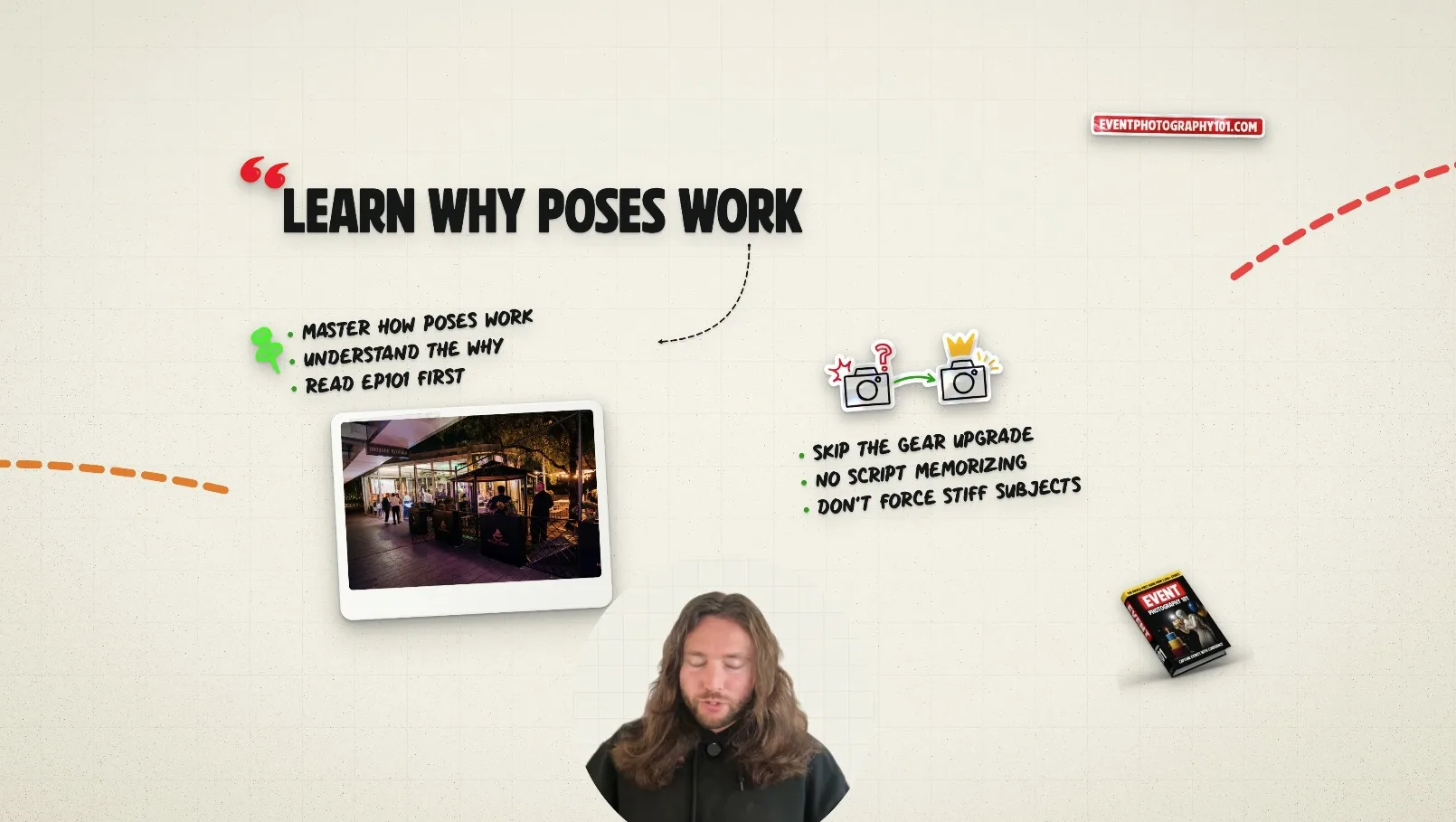
Render: “learn why poses work”
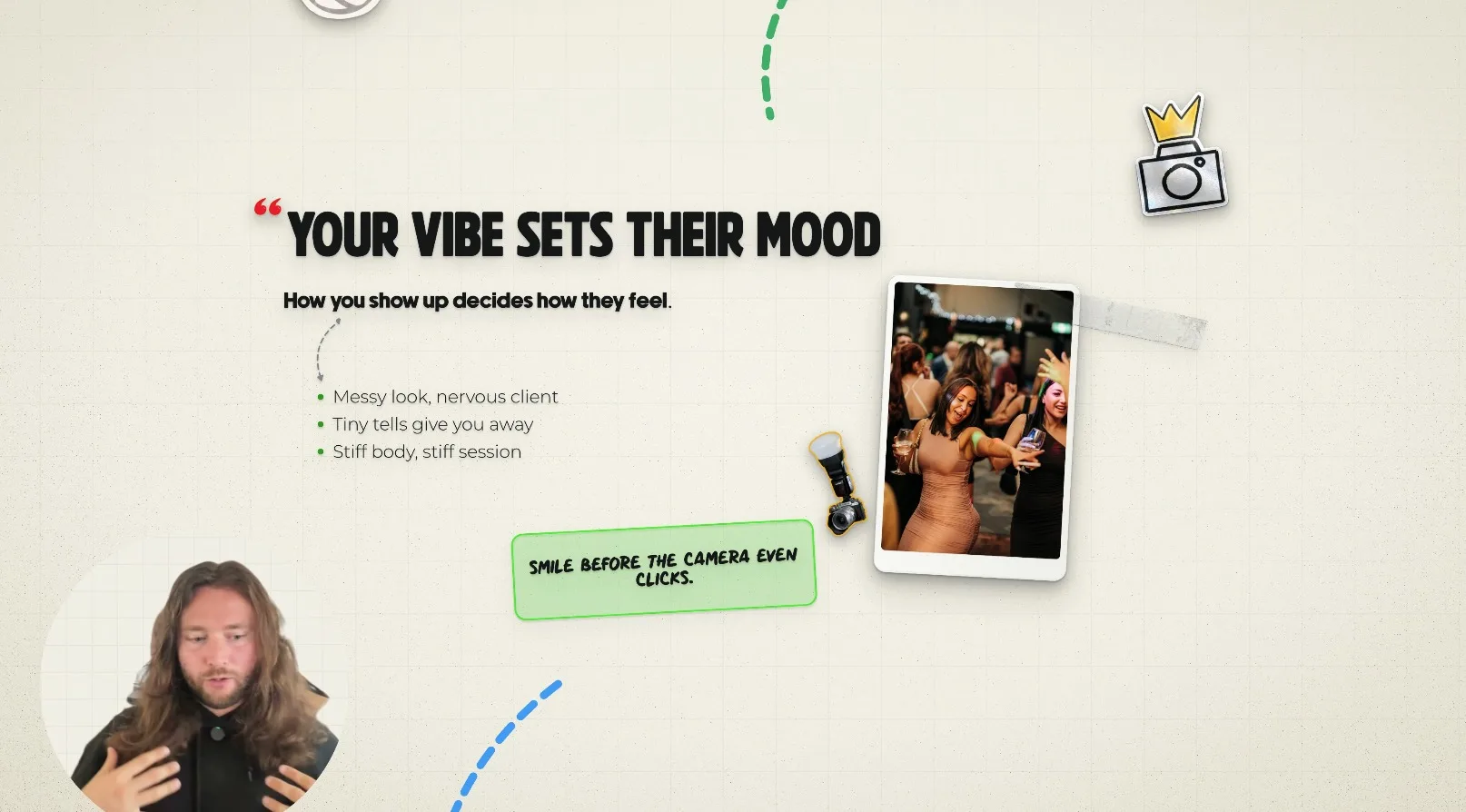
Render: “your vibe sets their mood”
Why this matters to an employer#
AI UX, not AI chat
The output is a finished artefact with a shape, not a wall of text to read.
Multimodal workflows
Audio becomes text, text becomes boards, boards become video — each step with something a person can check.
Human-AI collaboration
The machine drafts and renders; the person decides what's true and what ships.
Information architecture
Deciding what goes on the board, in what order, is the same skill as structuring a page or a product.
Automation around messy inputs
The input is unstructured thinking. Getting structure out the other end is the whole trick.