The problem#
After an event, the photos are delivered but the RAW files stay. Drives fill up. Backups grow. Buying another disk postpones the same problem.
Exporting JPEGs saves space but gives up the RAW editing workflow. I wanted smaller files that still open in Lightroom with white balance, exposure and camera profiles available.
What I built#
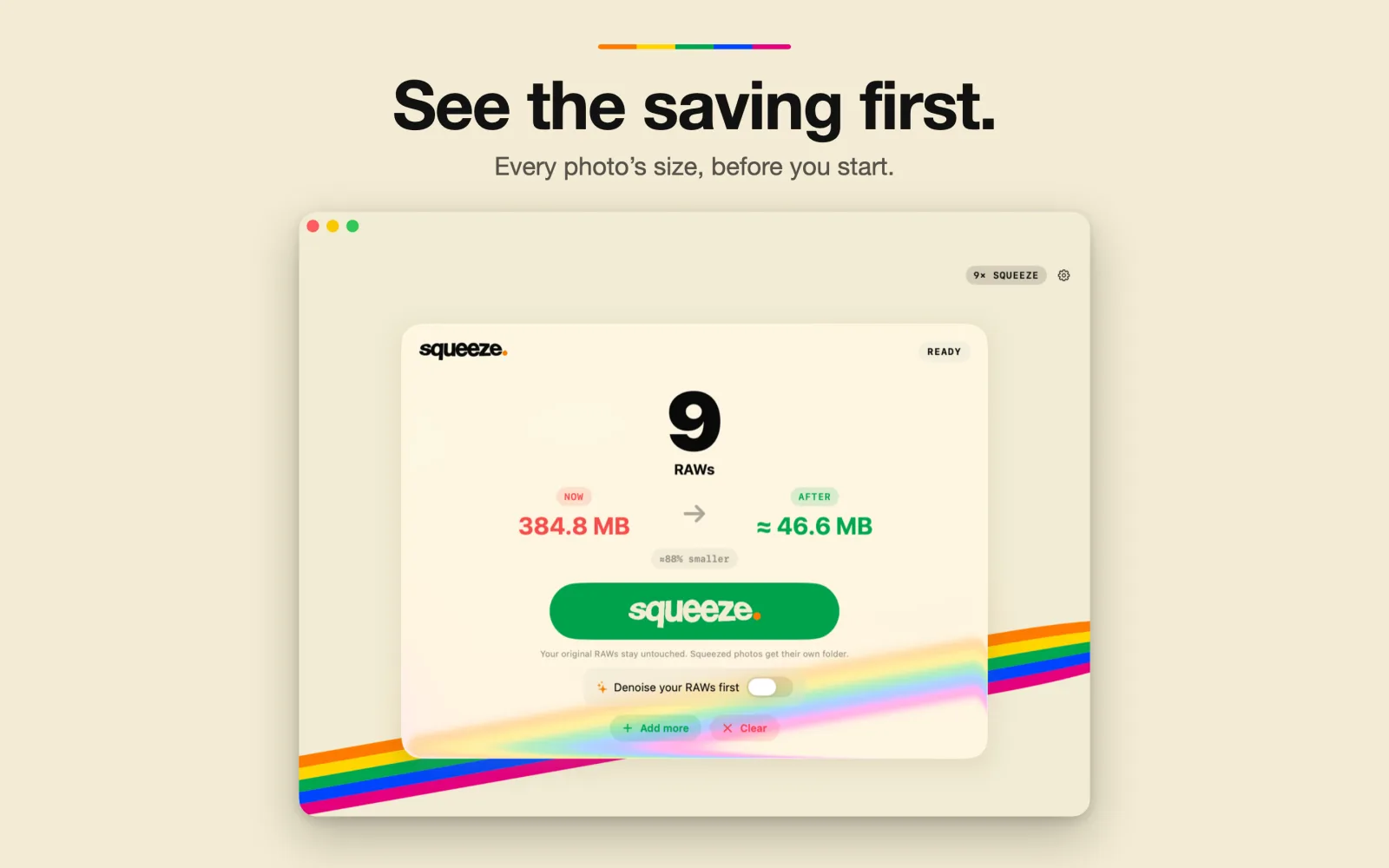
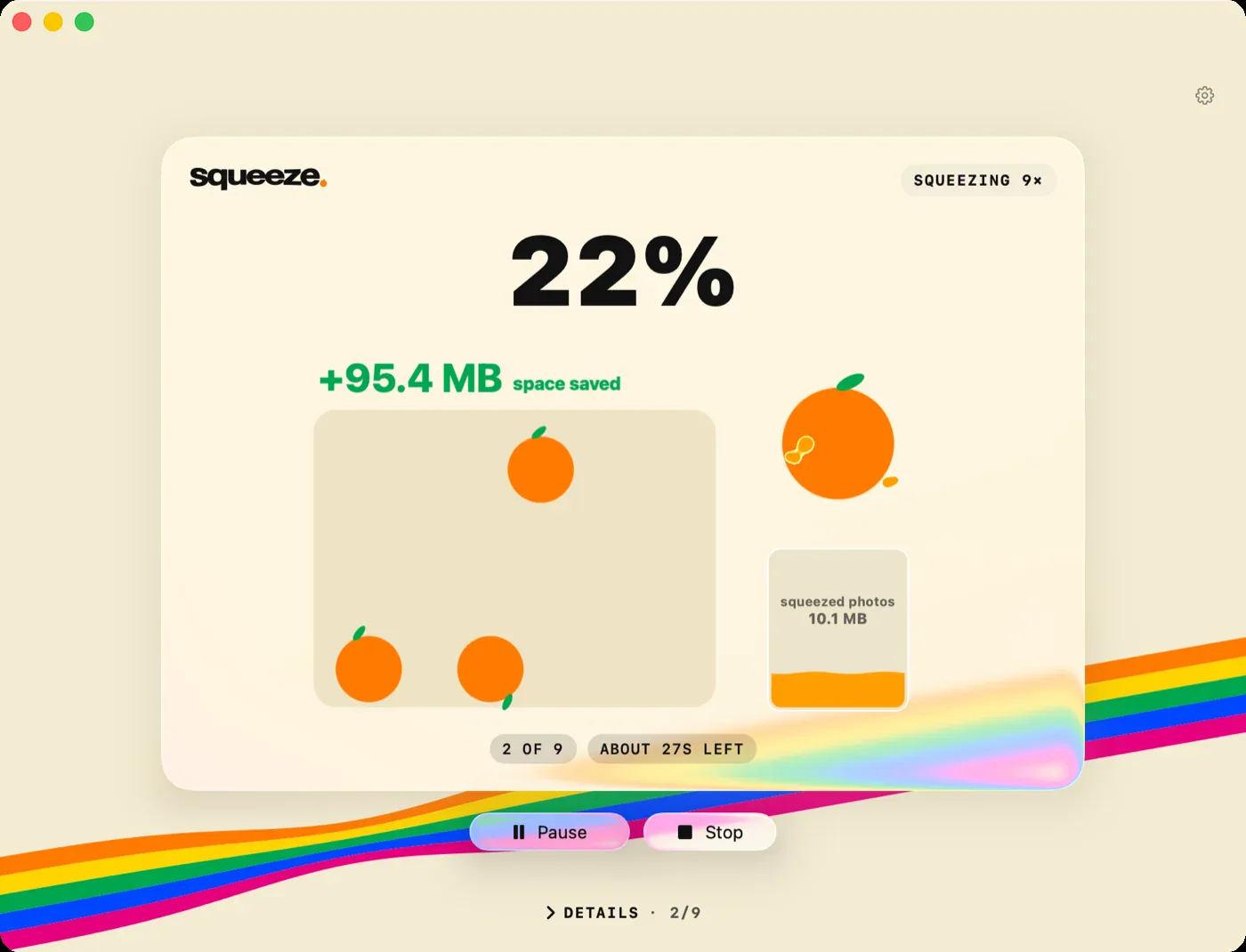
Squeeze pairs a native Swift macOS app with a Rust encoder that writes JPEG XL inside DNG 1.7. Drop in photos, review the estimate and convert. Adobe DNG Converter provides a fallback when the built-in engine cannot decode a file.
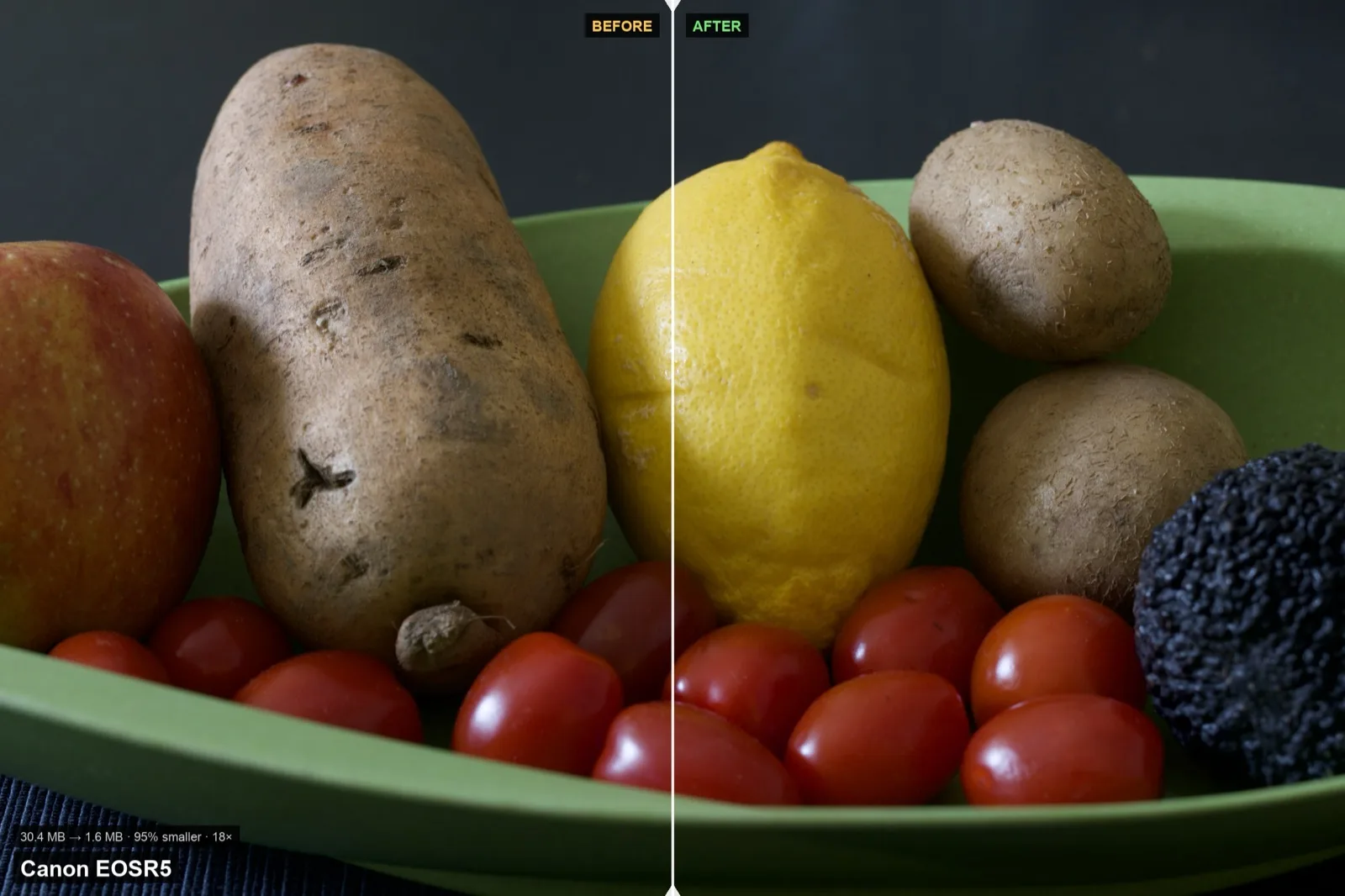
The output stays editable in Lightroom and Adobe Camera Raw. This is lossy compression, not a claim that every original sensor value survives. The point is to preserve a useful editing workflow while reducing storage.
Results#
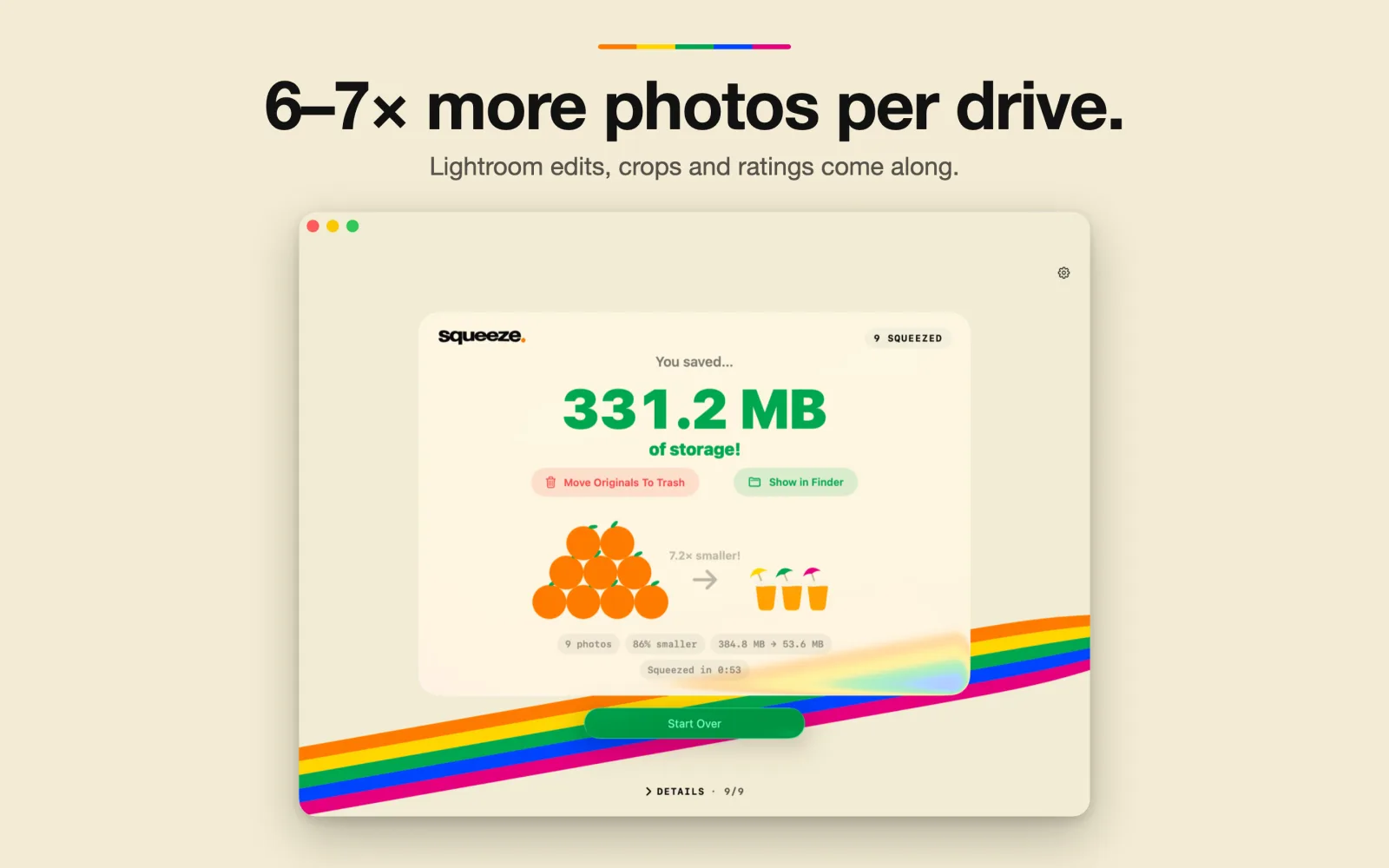
The five-brand test used one sample each from Canon, Nikon, Panasonic, Sony and Fuji. It is a measured range, not a promise for every camera or photo. The nine-photo Fuji X-T5 event result includes denoising with DxO DeepPRIME 3 before shrinking.
Engineering decisions#
- Measure against a reference. The Rust encoder matches Adobe's reference byte-for-byte on the measured mosaic outputs. That is a specific encoding check, not a claim that lossy compression equals the original RAW.
- Fall back per file. Nikon NEF files the engine cannot decode automatically use Adobe DNG Converter. Without Adobe installed, the app reports the failure plainly.
- Leave originals alone. Squeeze never modifies them. Moving originals to Trash is a separate action, only on request.
Why this matters to a client or employer#
This is end-to-end product work: a real storage problem, low-level image encoding, a native app and App Store packaging. Squeeze passed Apple review and is live on the Mac App Store.
For a client, it shows I can build beyond the demo and handle the awkward files and safety decisions. For an engineering team, it shows I can connect systems code to a usable product and explain what the measurements do — and do not — prove.