The problem#
Teachers and tutors already have the material: a PDF, a photo, a slide or a website. What they need is a simple way to draw on it, explain it aloud and get a video out.
The difficult part is not just capturing a pen stroke. The drawing, source material and narration need to stay together. The exported lesson should look like the preview, and a crash should not mean losing the whole recording.
What I built#
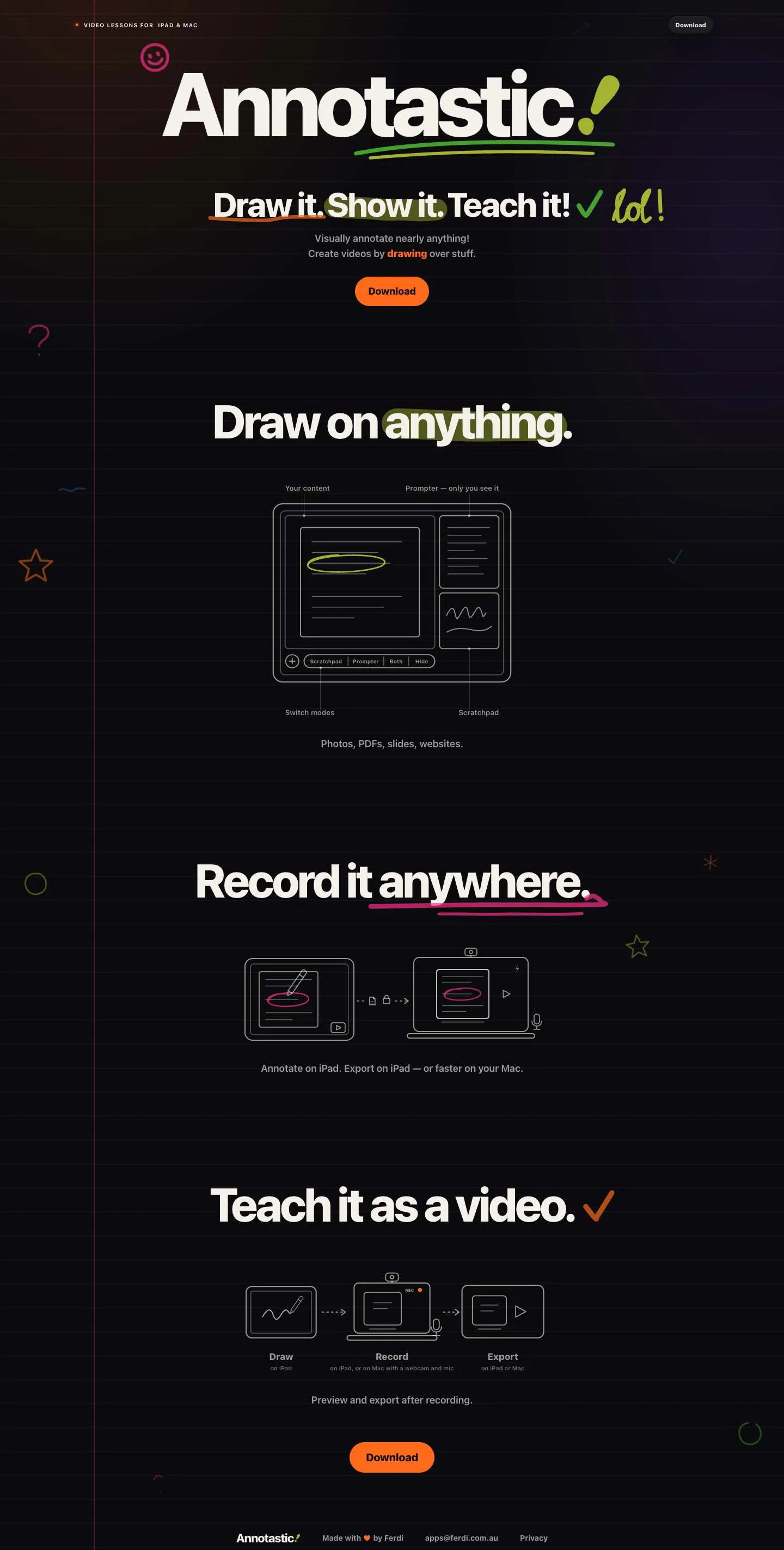
Annotastic is an Apple Pencil lesson app for iPad with a free Mac companion. Draw over photos, PDFs, slides and websites, record narration, then export a 2.5D video lesson.
A shared Swift package supplies AnnotateCore, AnnotateRender and AnnotateExport. The apps and the annotate-render CLI use the same rendering foundation. Bonjour sync connects the iPad and Mac workflow without making them separate products to maintain.
- Swift 6
- PencilKit
- Core Image
- Metal
- Bonjour
Results#
These are Mac-harness measurements, not iPad device benchmarks. They show what changed in the rendering and persistence paths. They do not establish device performance or release readiness.
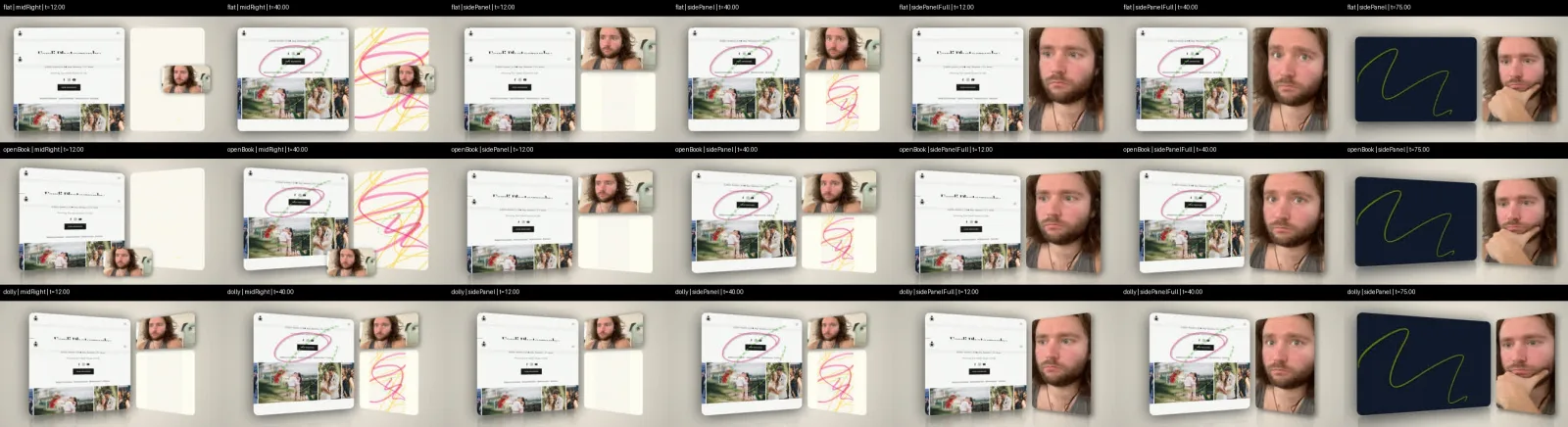
The preview's first frame no longer waits on the same amount of work. On the three measured lessons, preview and export matched pixel-for-pixel. Persisting each stroke was measured separately, so recording safety is not hidden inside a broad rendering benchmark.
Engineering decisions#
- One render path. Preview and export share the renderer instead of implementing the same visual rules twice. The CLI makes that path usable outside the app interface too.
- Swift 6 strict concurrency. Shared code needs clear boundaries between the interface, rendering and export work. Compiler-enforced concurrency is part of that contract.
- Save the recording as it happens. A crash-safe incremental journal appends and syncs each stroke, with checkpoints every 120 seconds. Saving is not postponed until the teacher presses export.
Why this matters to a client or employer#
A client needs the output to be dependable, not just the demo to look good. Here, that means a recorded lesson that survives interruption and exports the composition the teacher saw.
For an engineering team, this shows how I keep cross-platform work manageable: shared packages, a single rendering path, a CLI and specific measurements. The same discipline matters in business automation — one source of truth, recoverable work and evidence at the output.